







Integration with CAM systems
We can develop and implement a full range of solutions for the sale and production of complex, custom products — from initial configuration to commissioning.
Depending on your business objectives, we can implement:
- configurators and CPQ systems for sales and calculation of products;
- CAD systems for automatic design and preparation of models;
- integration with CAM systems and production equipment.
The final stage of this chain is integration with CAM systems and equipment, which ensures the transition from the digital model to the actual production of the product.
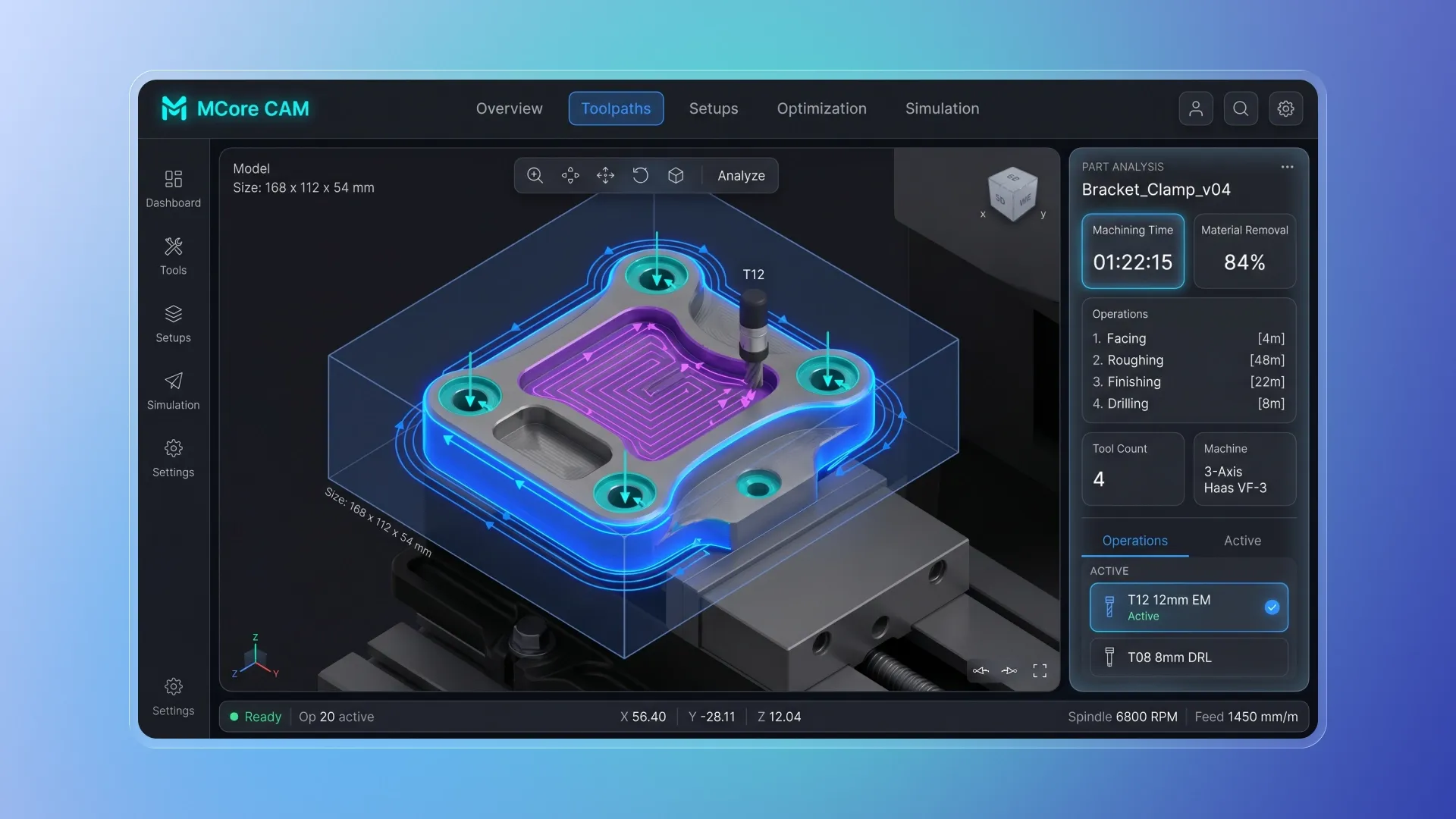
As part of CAM integration, we can provide:
- transfer of CAD models and data to the CAM system;
- conversion of models into production formats (STL, STEP, DXF, etc.);
- generation of control programs (G-code, etc.);
- integration with CAM systems via API;
- setting up file exchange between CAD and CAM;
- automatic preparation of production tasks;
- data transfer to CNC machines and 3D printers;
- automation of production launch.
AVADA MEDIA specialists can implement integration with CAM systems and production equipment, ensuring direct data transfer from the CAD model to the actual product manufacturing.
What is CAM?
CAM (Computer-Aided Manufacturing) is a software environment used to prepare and manage the manufacturing process of products.
CAM system:
- calculates tool paths for CNC;
- generates control commands (G-code);
- sets processing or printing parameters;
- prepares data for equipment.
Additive manufacturing uses slicers, which break a model into layers and generate commands for the 3D printer. In CNC manufacturing, CAM calculates material processing and generates control programs for the machines.
The key role of CAM is to convert the CAD model into commands for equipment.

The most common CAM systems that require integration
Manufacturing companies typically already use a specific set of CAM systems, and the goal of integration is not to replace them, but to integrate them into a single digital chain.
In the CNC segment the most common are:
- Mastercam is the de facto standard in mechanical engineering and metalworking;
- Fusion 360 is actively used in small and medium-sized production;
- SolidCAM - used in conjunction with SolidWorks;
- Siemens NX CAM — enterprise solutions for complex processing;
- PowerMill - complex 3D milling and shaping.
Additionally, Edgecam, CAMWorks, GibbsCAM, and SprutCAM are often used, especially in specialized production.
Additive manufacturing (3D printing) uses:
- Ultimaker Cura is the most popular slicer;
- PrusaSlicer - widely used in manufacturing and prototyping;
- PreForm — SLA printers;
- Simplify3D - Advanced Print Control.
In practice, integration is almost always performed with systems that are already implemented in production.
How CAM integration is implemented in practice
Integration with CAM involves setting up a chain of data transfer and conversion from the CAD model to the equipment control programs.
In practice, the following levels of integration are used:
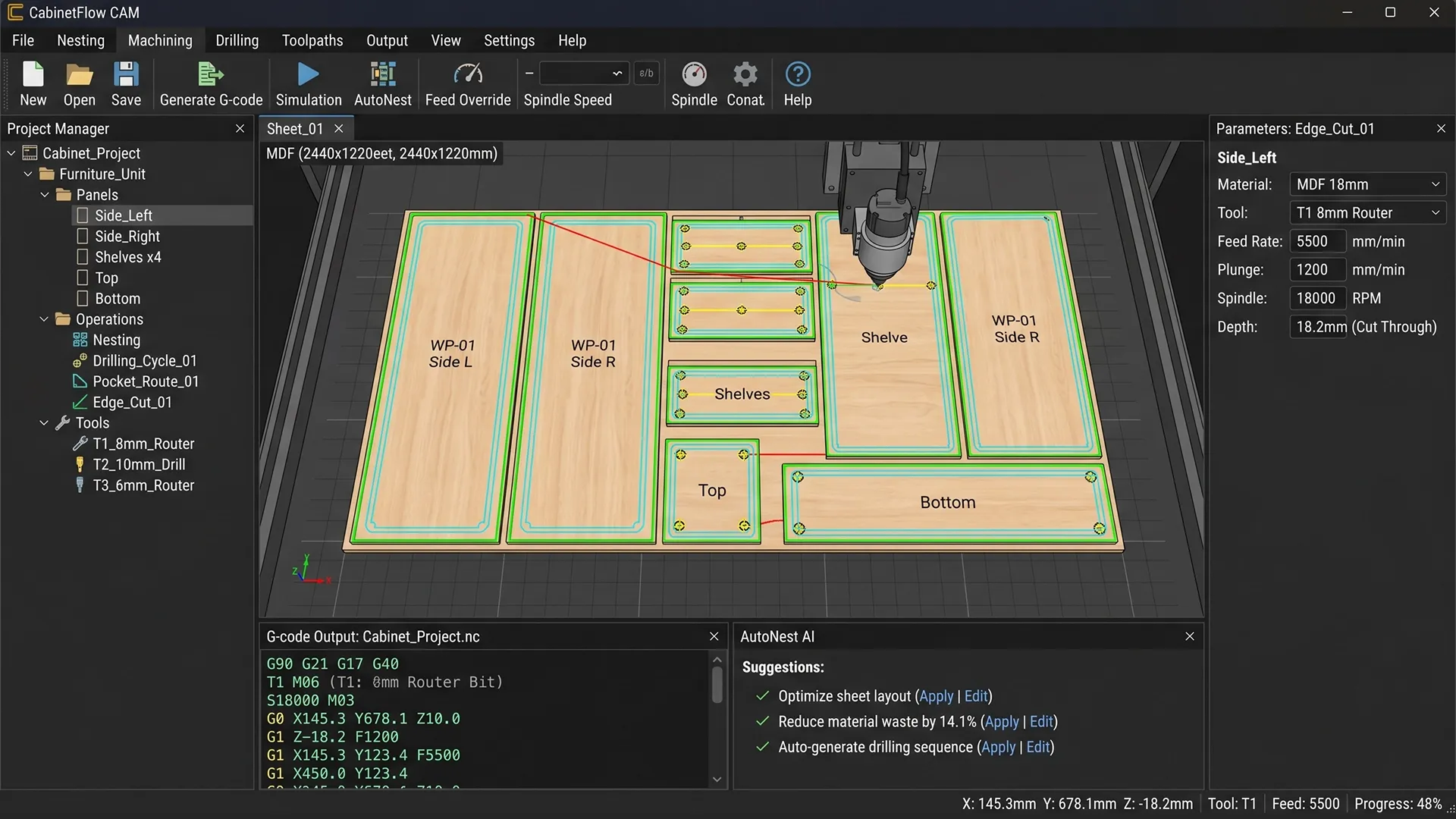
File integration (the most common scenario)
The system automatically generates files:
- STL - for 3D printing;
- STEP / IGES - for transferring geometry;
- DXF — for cutting and laser cutting;
- G-code — ready-made control programs.
These files are transferred to CAM or directly to equipment. This is the primary integration method in 70–80% of manufacturing operations.
Integration via API of CAM systems
If CAM supports API, you can:
- automatically create projects within CAM;
- transmit processing parameters;
- start generating trajectories;
- get the execution status.
This is a deeper integration, but is not available in all systems.
Integration via postprocessors and hardware
At this level, adaptation to specific machines occurs:
- setting up postprocessors for CNC;
- accounting for equipment kinematics;
- setting cutting/printing parameters;
- Transferring G-code directly to machines.
Without this level, integration does not work in real production.

Integration technologies
Integration is built as a technical system consisting of several levels, each of which solves its own problem.
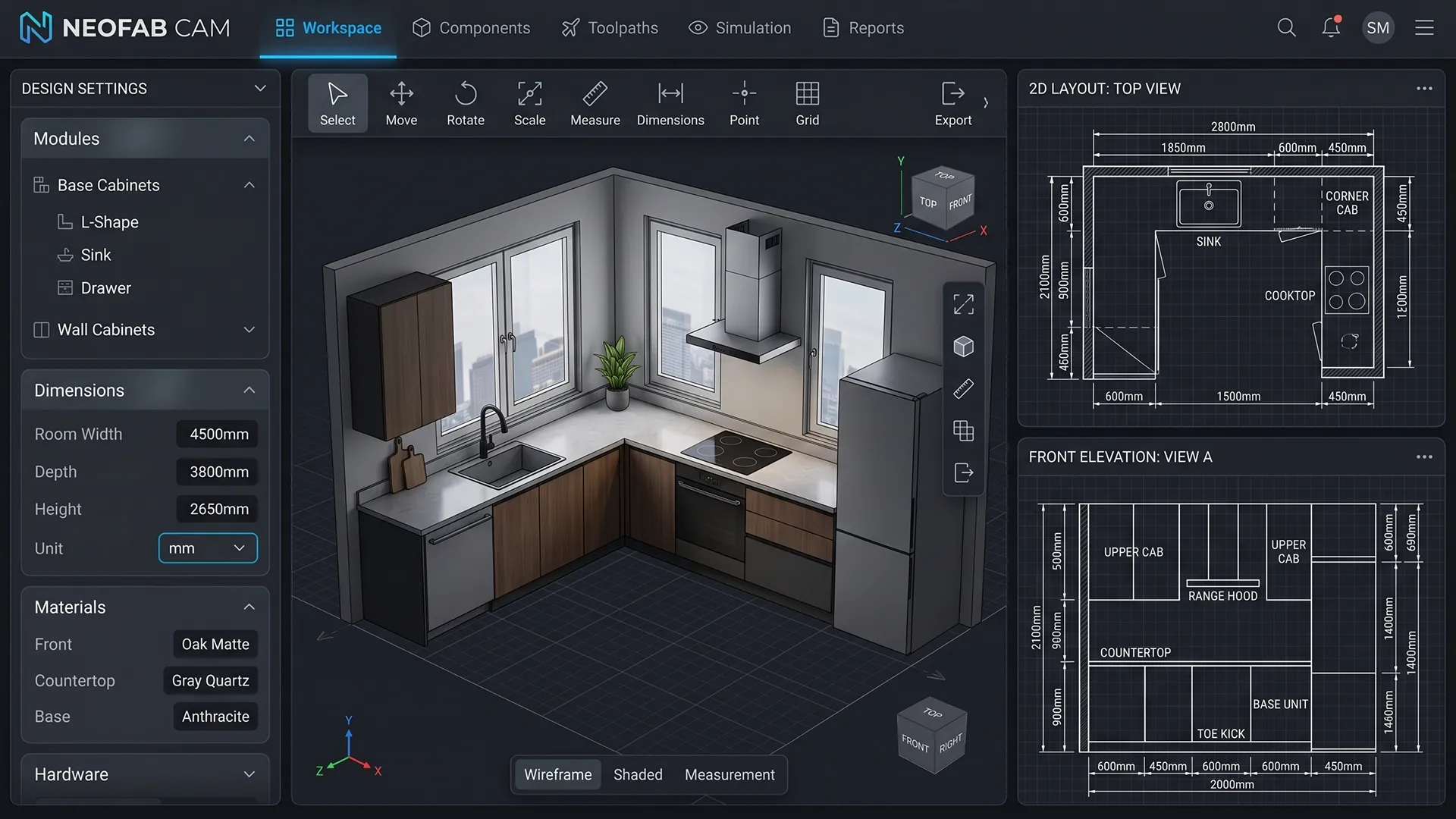
Engineering core
This is where geometry work and data preparation takes place:
- C++ - for processing models and calculations;
- CAD/CAM libraries (e.g. Open CASCADE);
- proprietary algorithms for generating geometry and production data.
At this level:
- a product model is formed;
- data is being prepared for CAM;
- Parameters affecting production are calculated.
Integration layer
This is the layer that “stitches” the systems together:
- Python / C# / Node.js / Java;
- API integrations;
- file generation and processing.
Here is implemented:
- automatic data transfer;
- file generation (STL, DXF, G-code);
- logic for launching production processes;
- synchronization between CAD, CAM and ERP/CRM.
Interfaces and visualization
Used to control and monitor the system:
- Qt — for engineering desktop interfaces;
- Web (React / Vue) - for configurators and management;
- 3D ( WebGL / Three.js / OpenGL) - for visualization.
This is not necessary “for beauty”, but in order to:
- the manager could set the parameters;
- the engineer could check the model;
- production received correct data.
Integration with equipment
The final and most critical level:
- G-code generation for specific machines;
- setting up postprocessors;
- transfer of tasks to CNC and 3D printers;
- Automatic start of processing.
It is important to consider here:
- machine type;
- controller (Fanuc, Siemens, etc.);
- hardware limitations.
Without this level, integration remains “theoretical”.

Cost and terms of integration
Integration with CAM systems is calculated individually and depends on the complexity of production, the equipment used, and the level of automation.
- Basic projects, including integration with one CAM system and data transfer setup for one type of product, typically take 1–2 months with a budget of €8–15k.
- Mid-level integrations, with process automation and CAD and CPQ integration, are implemented within 2–4 months and cost between €15–35k.
- Comprehensive solutions with deep integration, customization for equipment, and production automation take 4–6 months and require a budget of €35,000.
In most cases, implementation begins with a pilot phase and scales up as the system develops.
The cost is determined by the type of production, data transfer format, the availability of APIs in the CAM system, the level of automation, and the number of integrations with other systems.
Ready to take your production to the next level of automation?
Contact us to discuss your project and find the optimal solution for your needs. We will analyze your current processes, propose an integration architecture, and calculate the implementation timeline and budget.
With the AVADA MEDIA team, you'll get more than just CAM system integration, but a fully integrated digital workflow from model to finished product.


FAQ
-
What happens if the CAM system does not support the API?
This is a standard situation. Integration is achieved through file exchange (STL, STEP, DXF, G-code), without loss of functionality.
-
Do I need to change my current CAM system or equipment?
No. Integration is customizable to existing software and machines, without the need to replace infrastructure.
-
How deeply can production be automated?
The level of automation is determined by business objectives from automatic file preparation to full production launch without engineer intervention.
-
How to avoid production errors during automation?
A unified data model and automatic transfer of information between systems eliminates manual errors and discrepancies in parameters.
-
How does implementation usually begin?
Starting with a pilot scenario: one product type, one CAM system, and basic automation. After that, the solution is scaled up across the entire production facility.